
Where is the Grow a Chicken Fighter redeem menu?
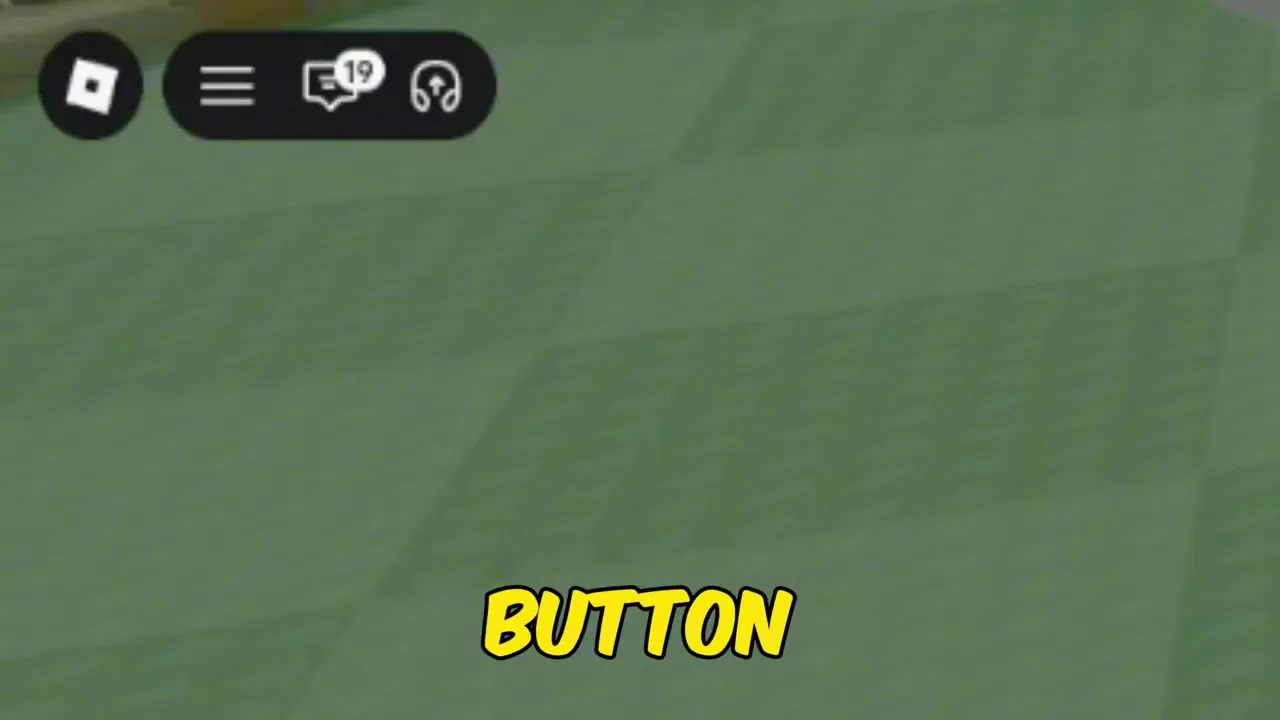
Top-left ticket / coupon icon (star badge) after the tutorial — not roblox.com/promocodes.

How to redeem Grow a Chicken Fighter codes after the tutorial: open the ticket icon, paste case-sensitive strings, Redeem Nest or Thunder eggs fast.
Ticket icon next to Settings — paste codes in all caps, then Redeem.
~8 min read
Players searching grow a chicken fighter how to redeem codes already have (or expect) a string and need the exact HUD path. This page is the claim walkthrough for Grow a Chicken Fighter — not another dump of unverified titles. Pair it with the live codes list (4 Active as of August 15, 2026). Verified August 16, 2026 · Place 94640181989498 · Sergio Verse Games.
| Fact | Detail |
|---|---|
| Redeem location | In-game ticket / coupon icon (top-left HUD) |
| Unlock condition | Finish tutorial (hatch → fuse → fight) |
| Active codes today | 4 — see codes |
| Case | Exact / all caps (e.g. LETMECOOK) |
| Limit | One redeem per code per Roblox account |
| Platform | Roblox |
| Place ID | 94640181989498 |
| Play | Open on Roblox |
Follow these steps in order. The field sits inside the ticket panel — not the shop, not the fusion station, and not the Roblox website promo box. Guides that click the top-left ticket next to Settings are showing the correct path even when an on-screen string later expires.
| Step | Action |
|---|---|
| 1 | Launch Grow a Chicken Fighter on Roblox (Place ID 94640181989498) |
| 2 | Finish the short tutorial: hatch an egg, fuse once, and complete a fight |
| 3 | Tap the ticket / coupon icon with the star badge in the top-left HUD |
| 4 | Paste a code from codes exactly (Copy button preferred) |
| 5 | Press Redeem and wait for the success toast before closing the panel |
| 6 | Check inventory for Nest Eggs, Thunder Egg, Scratch Egg, cash, or boost timers |
Use Copy on the Code column of the codes list so you never introduce a wrong character. Community footage that shows LETMECOOK working also reminds players to type in all caps — mixed case fails even when the letters are “right.”
Success is a clear confirmation toast (for example “code redeemed”) plus the reward landing in inventory or as an active timer. If nothing changes and you see no message, clear the field and try once more before assuming the string is fake.
Do not hunt for a Codes NPC near the PIT, Tower entrance, or egg shop. If the icon is missing after a hotjoin, rejoin the experience or finish any leftover tutorial prompts, then scan the top-left HUD again.
Still locked after fighting? The next section explains the tutorial gate media guides keep mentioning.
Yes for most new accounts. PCGamesN and Destructoid both note the ticket control appears after the onboarding loop — hatch, fuse, and a chaos / arena-style fight — so bots cannot spam Redeem at first spawn.
The lock is an anti-bot / onboarding gate, not a bug. If you skipped prompts by walking away, walk back through any remaining arrows until the HUD fully unlocks. Returning players who already finished tutorial on the account should see the ticket icon immediately.
If LETMECOOK or SERGIOVERSE starts a 30-minute timer the moment you Redeem, wait until you can hatch and send fighters to the PIT before claiming those two. WELCOME’s Nest Egg + cash is safer to grab as soon as the icon appears.
Yes — once the ticket panel is open, the text field and Redeem button sit in the same place. Only how you tap the icon and paste from the clipboard changes with the device.
| Platform | How to open redeem | Notes |
|---|---|---|
| PC | Click the top-left ticket icon | Ctrl/Cmd+V into the field after Copy |
| Mobile | Tap the top-left ticket icon | Long-press paste from the clipboard |
| Tablet | Same ticket icon | Use landscape if Redeem clips behind the keyboard |
Copy from the codes list in your mobile browser, switch to the Roblox app, open the ticket panel, long-press the field, and paste. If Roblox steals focus and clears the clipboard, copy again immediately before opening the panel. Avoid typing LETMECOOK or SERGIOVERSE by hand on a phone keyboard.
Check this decision table before assuming the ticket UI broke. Match Place ID 94640181989498 so you are not pasting into the wrong chicken game.
| Symptom | Likely cause | Fix |
|---|---|---|
| Invalid instantly | Typo, wrong case, space, or wrong game | Re-copy from codes in all caps |
| Already redeemed | One-time claim used on this account | Skip to the next Active code |
| Nothing happens | Double-tap or sticky paste | Clear field → paste once → Redeem once |
| No ticket icon | Tutorial incomplete or HUD not loaded | Finish hatch → fuse → fight; rejoin if needed |
| Website promo page | Used roblox.com/promocodes | Close the browser path; use the in-game ticket only |
| Reward differs from article | Media conflict on Nest count / Corn vs Money | Trust the toast; keep the egg or boost |
| Video showed extra codes | Clickbait / other experience | Only paste Active rows on the codes page |
Invalid means the string is wrong or dead. Already redeemed means it worked once — stop retrying. Do not create alt accounts only for codes; treat each Roblox account as its own claim history if a household shares devices.
Grow a Chicken Fighter is still early. A patch can nudge icon art or panel layout without removing redeem. If a week-old clip shows the ticket slightly elsewhere, reopen from the top-left cluster rather than assuming the feature was deleted.
Matched by build plan, shared topics, and guide progression — not random related links.
There is no bulk-redeem box — each Active string goes through the same ticket field, one at a time. As of August 15, 2026 you have three Working codes to clear.
WELCOME → LETMECOOK → SERGIOVERSE works well if you are about to hatch and farm. Flip the last two if you care more about corn feeding than money fights that minute. Never claim both timed boosts and then walk away from the keyboard.
Each Roblox account can claim each Working code once. A shared family account that already redeemed will not pay out again — that is expected, not a bug.
A success toast is a to-do list, not the finish line. Free eggs and timers only matter if you hatch, fight, and spend while the buffs are live.
| If you got… | Do this next | Why |
|---|---|---|
| Nest Egg | Hatch it to fill the early flock | WELCOME’s main progression gift |
| Thunder Egg | Hatch, then train / send to the PIT | Pairs with LETMECOOK’s money timer |
| Scratch Egg | Hatch for a different roll path | Do not burn it as a careless fusion donor |
| 2x Money (30 min) | Spam PIT fights until it ends | Timer does nothing in menus |
| 2x Corn (30 min) | Feed / upgrade flock economy now | Same short window as money |
| 50 Cash | Buy the next planned flock upgrade | Soft cash — spend with a plan |
After the last toast, close the panel and get back to hatching or the PIT. Standing in menus does not grow the flock. If another Active code remains, Copy it quickly, Redeem, then leave the UI entirely.
Keep the codes list bookmarked for reward conflicts and expired archives. For broader early-game mistakes, skim tips after your first boosted PIT session.
Top-left ticket / coupon icon (star badge) after the tutorial — not roblox.com/promocodes.
Active list on codes — WELCOME, LETMECOOK, and SERGIOVERSE as of August 15, 2026.
Yes — paste exact strings from codes (all caps).
No — one claim per code per Roblox account.
Yes — only how you tap the ticket icon and paste differs. The field and Redeem button are the same.
Finish the tutorial (hatch, fuse, fight). Rejoin if the HUD did not refresh.
No — Discord is only where new codes often post first. Redeem always happens in-game.
Nest Egg count and Corn vs Money boosts conflict across outlets. Trust the in-game toast.
Hatch eggs, spend timed boosts in the PIT, then follow the beginner guide.
Place ID 94640181989498 — open on Roblox. This site is an unofficial fan guide.
Matched by build plan, shared topics, and guide progression — not random related links.